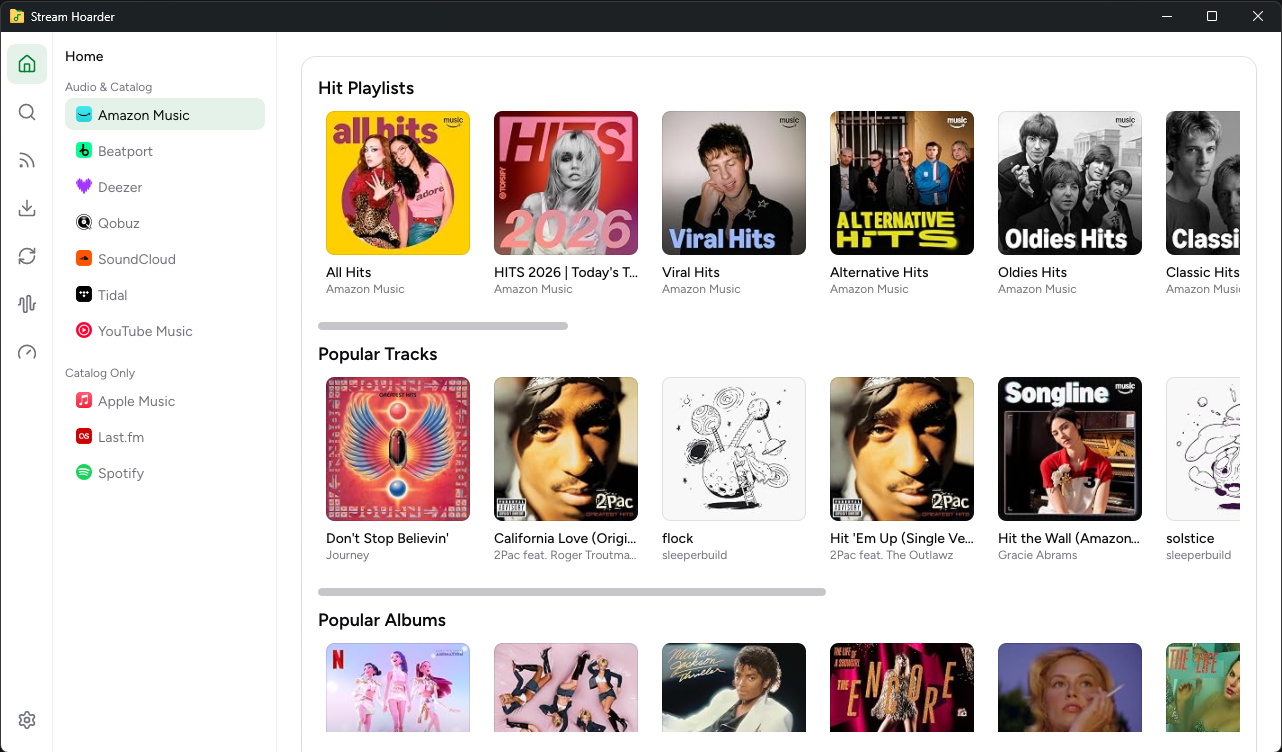
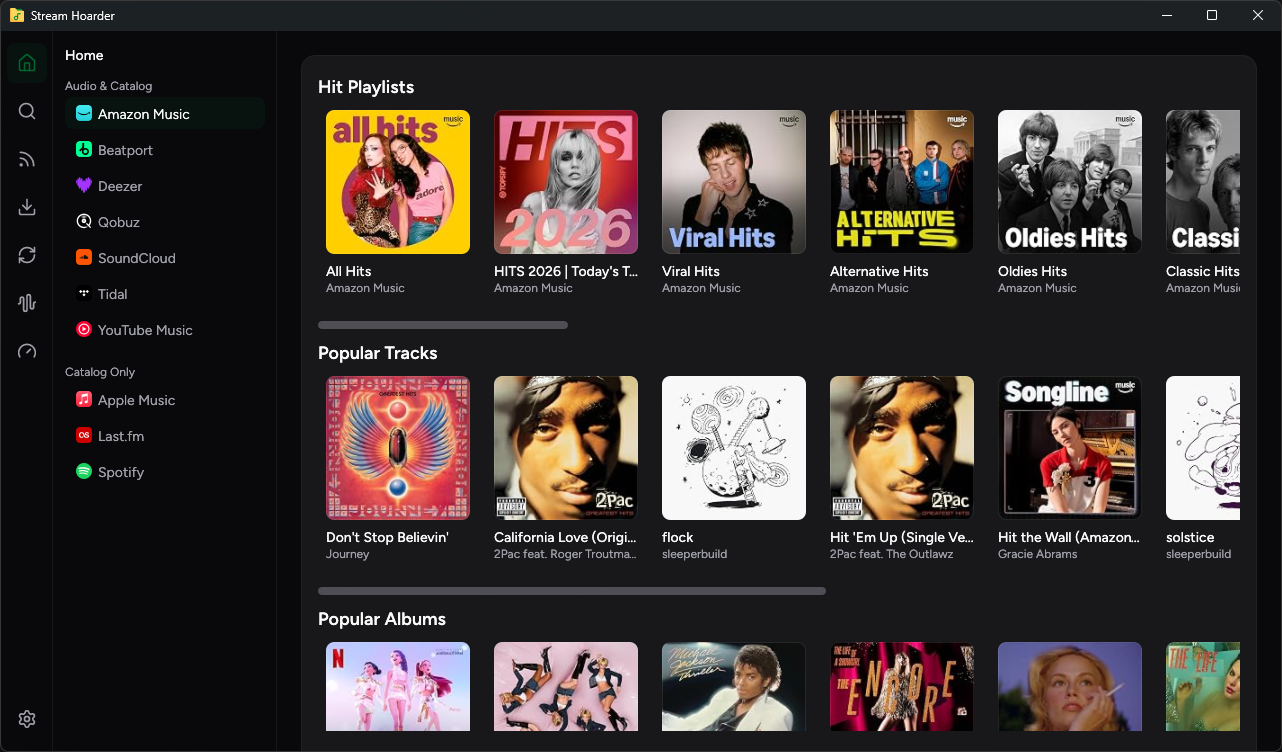
Monitor artists.
Collect every release.

Search supported music catalogs, download available audio, and keep a richly tagged local library—without losing track of the next release.

Built for Windows, macOS, and Linux
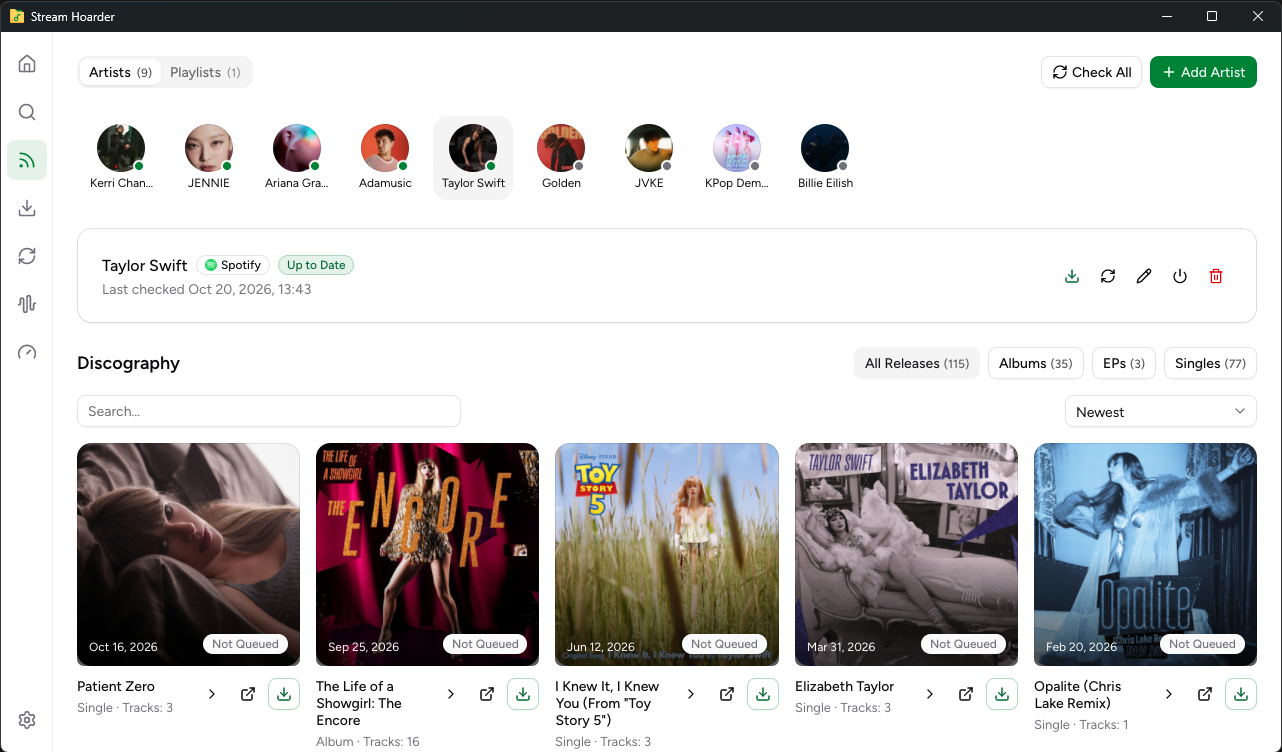
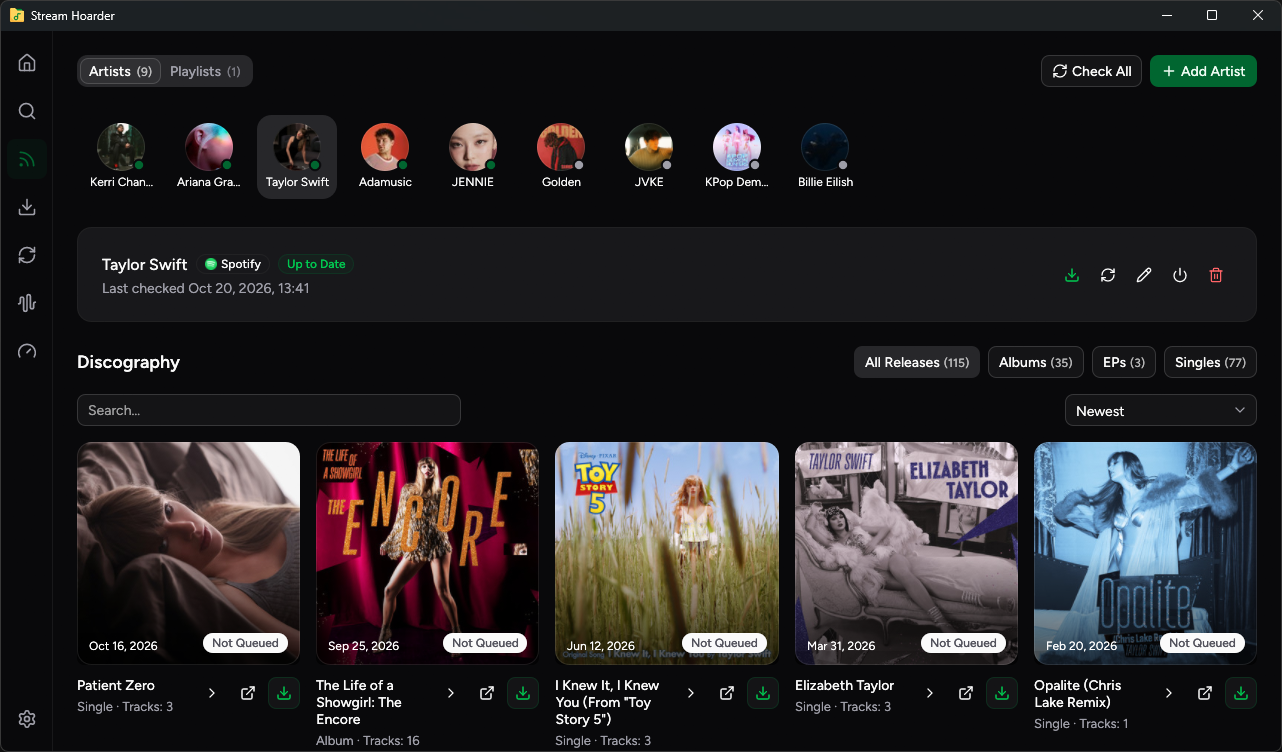
Stream Hoarder artist monitoring in dark mode

Find it once.
Keep up automatically.

Stream Hoarder connects discovery, monitoring, downloads, and organization in one local music workflow.

01

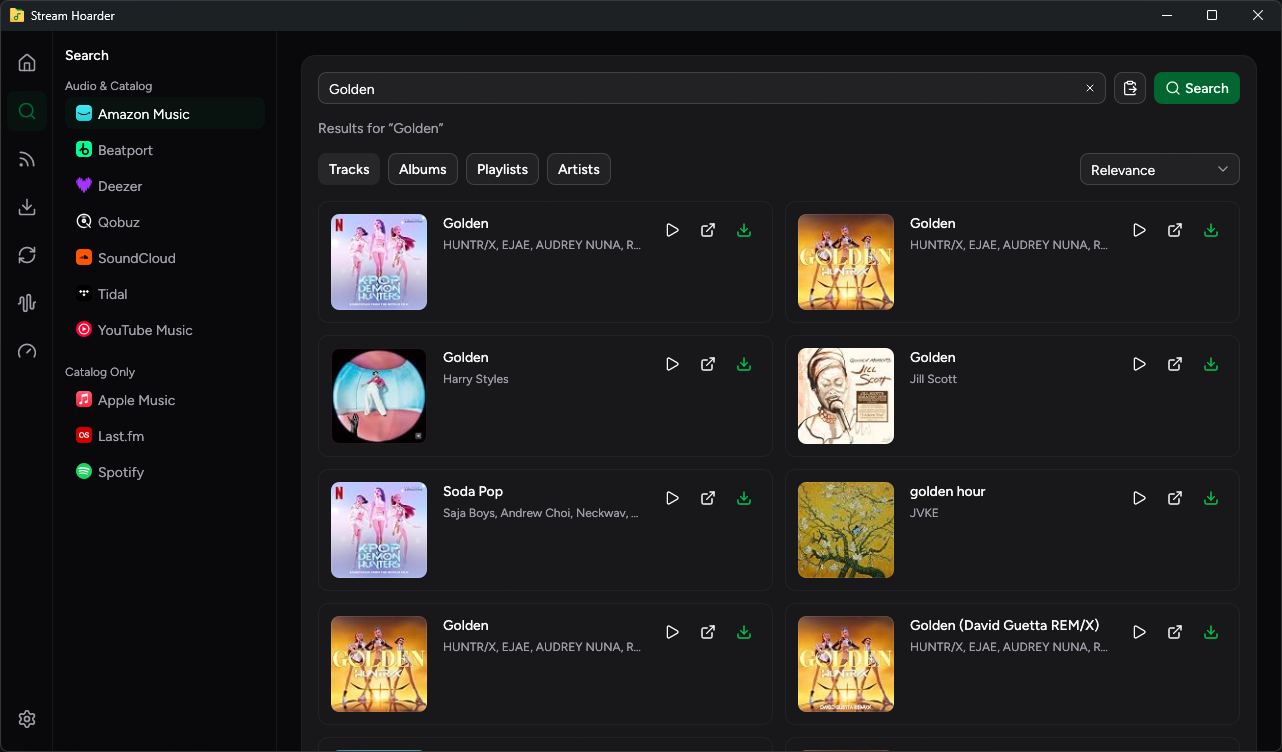
Search the catalog

Find an artist, album, track, playlist, or paste a URL.

02

Follow the artist

Set a catalog baseline once, then let Stream Hoarder watch for releases.

03

Queue new music

New albums, EPs, singles, and SoundCloud tracks can join the queue automatically.

Your files, organized
your way.

Use detailed templates to make every download land exactly where it belongs, complete with metadata and artwork.

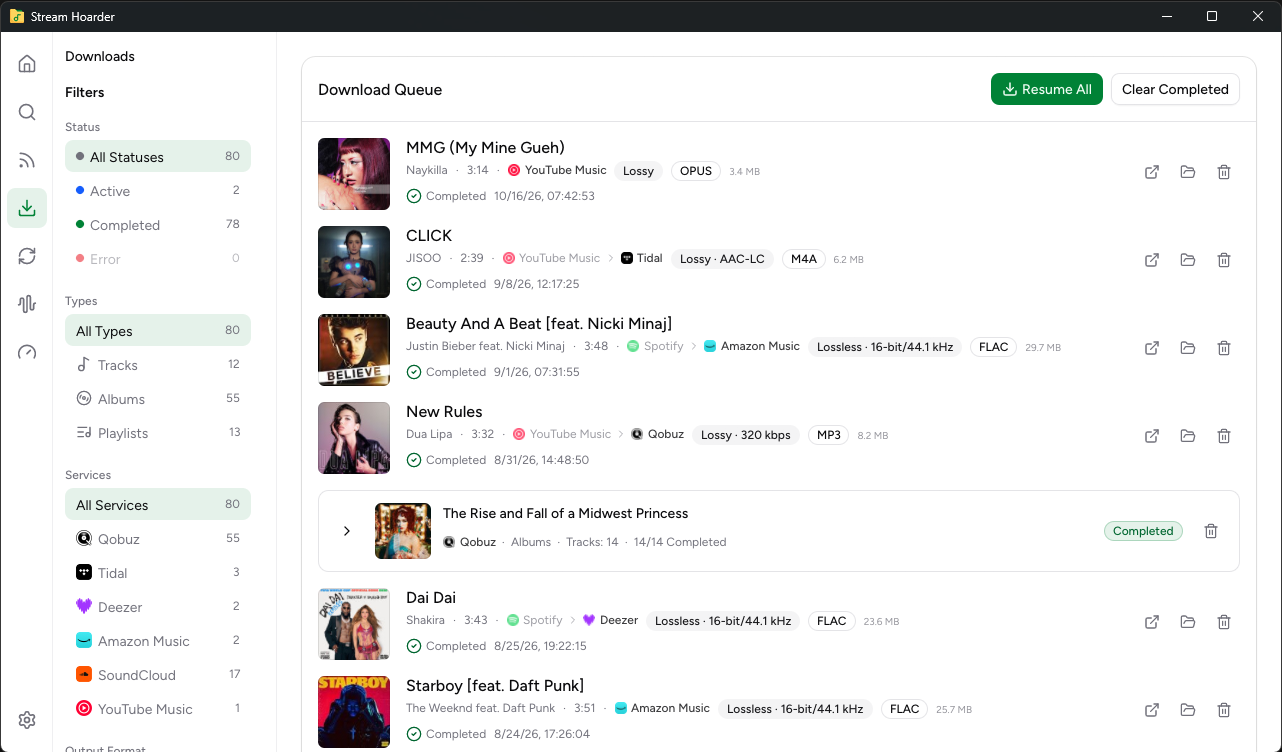
Stream Hoarder downloads in light mode

Flexible paths

Build folders and filenames from artist, album, year, disc, track, codec, bit depth, and sample rate.

Artwork and metadata

Embed covers, save artwork alongside releases, and preserve rich tags where available.

Duplicates, handled

Skip tracks Stream Hoarder has already downloaded, and separate sources or multi-disc releases when needed.

A serious toolkit for
music collectors.

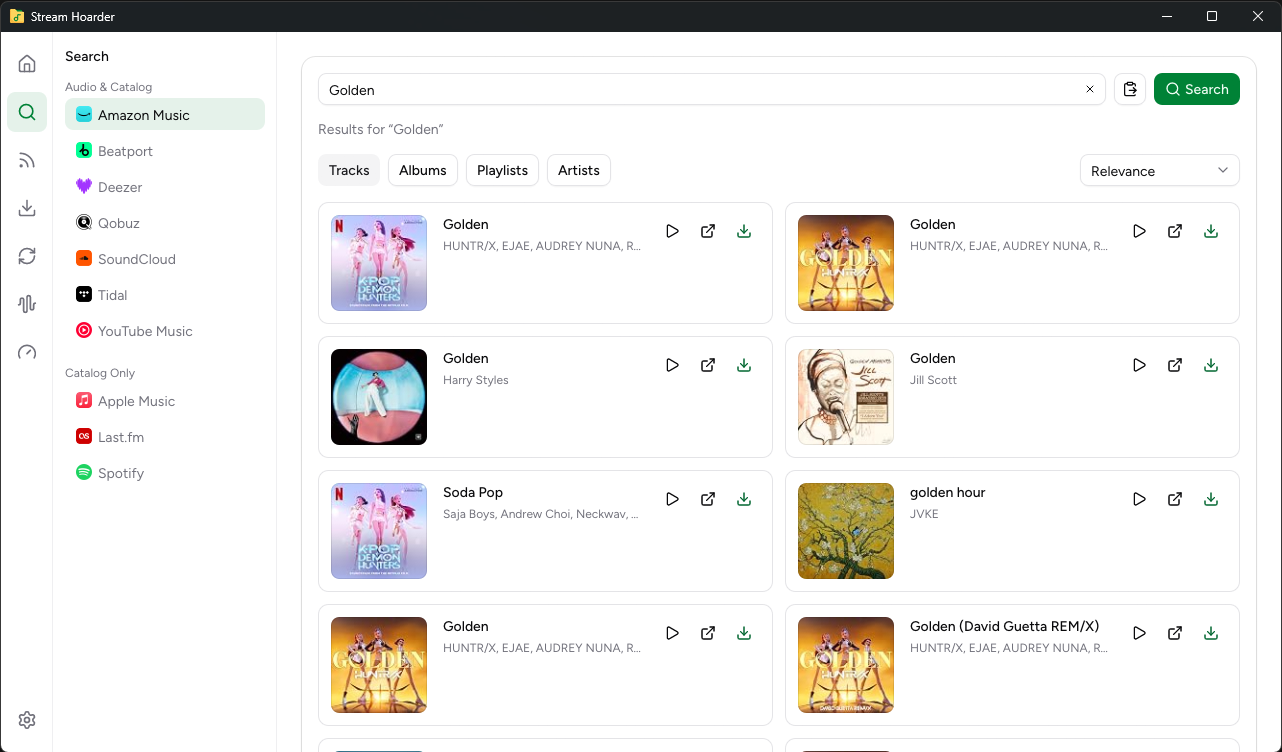
Search across catalogs

Browse artists, albums, tracks, playlists, feeds, and URLs across supported providers. Preview tracks when a provider offers one.

Choose available quality

Inspect advertised quality options for Qobuz and TIDAL, then choose the available format for your selected source.

Monitor every artist

Establish a baseline, check for catalog activity, and automatically add new albums, EPs, singles, or SoundCloud tracks to the queue.

Organize every detail

Control folder and filename templates, artwork, tags, multi-disc releases, and source-based organization locally.

Control the queue

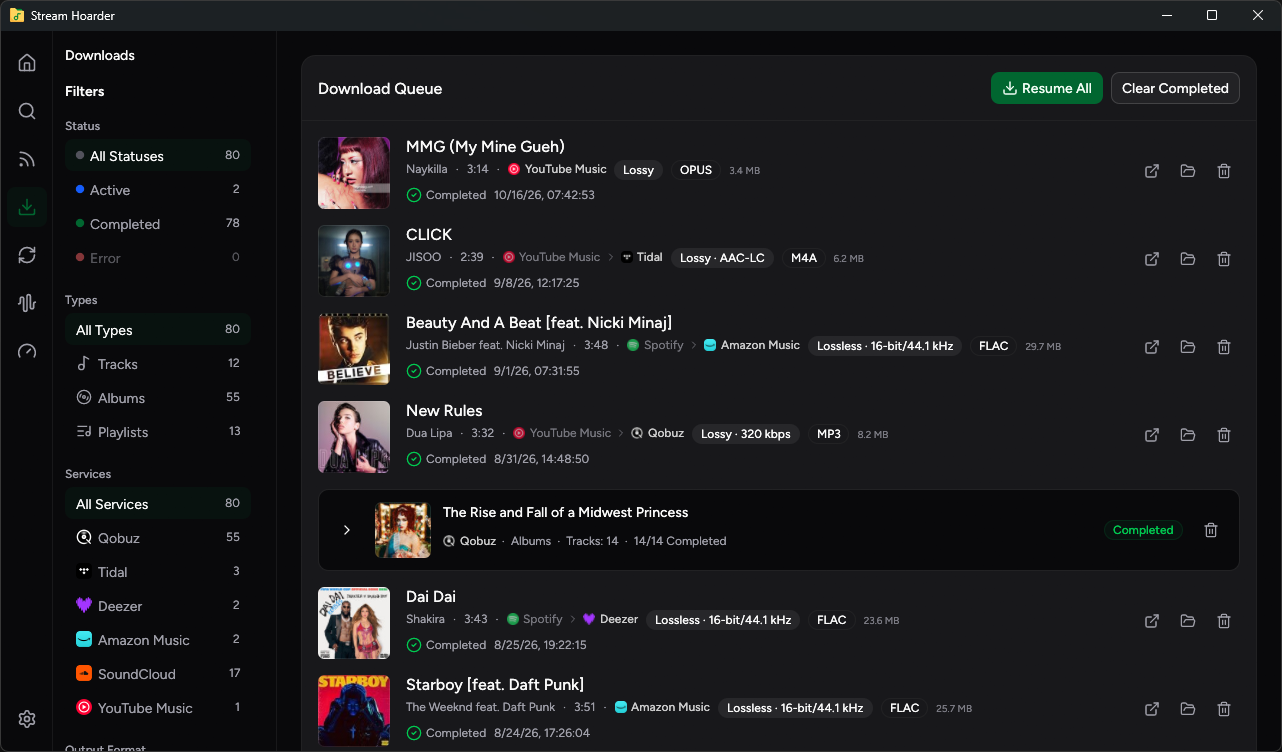
Manage grouped downloads with progress, speed, and ETA. Pause, resume, retry failures, or clear completed history.

Inspect and convert audio

Generate spectrograms, inspect spectral cutoffs, check key and BPM, and convert local audio while preserving tags and artwork where possible.

One library.
Many catalogs.

Use audio sources for matching and downloads, while catalog sources help you find and follow the music you care about.

SourceCatalog & discoveryMatch audio sourceAudio download
QobuzQobuz
TIDALTIDAL
DeezerDeezer
Amazon MusicAmazon Music
SoundCloudSoundCloud
Catalog and matching sources
Apple MusicApple Music
SpotifySpotify
Last.fmLast.fm

Apple Music, Spotify, and Last.fm are catalog and matching sources—not direct audio-download sources. Available actions can vary by provider, account, region, catalog, and source format.

FAQ

Stream Hoarder uses Qobuz, TIDAL, Deezer, Amazon Music, and SoundCloud as audio-download sources. Provider availability can depend on account, region, release, and source format.

No. These are catalog and matching sources. When you browse a release from them, Stream Hoarder lets you choose an available audio source for matching.

Add an artist once and Stream Hoarder establishes a catalog baseline. It can then check for new albums, EPs, singles, or SoundCloud tracks and add new releases to your download queue automatically.

Yes. You can customize templates using artist, album, year, track number, codec, bit depth, and sample rate; embed cover art; save artwork beside albums; and preserve metadata where possible.

It can generate spectrograms, inspect possible spectral cutoffs, run batch checks, find key and BPM with Camelot notation, and convert existing files to FLAC, ALAC, MP3, AAC, Opus, or Vorbis while preserving tags and artwork where possible.

Your library,
on your terms.

Keep the music you care about organized and ready.